
Independent Minecraft mod guide
Raxiores of Raxiore
Bring the prehistoric world into Minecraft. Find the right download, check your edition, and get to know the dinosaurs before your first expedition.
Original edition diagram · Not an in-game screenshot
Your first expedition
The right start. Fewer surprises.
Choose your edition
Java mod or Bedrock add-on? Match the project to your Minecraft installation first.
OpenInstall the mod
Follow the official Java download and Forge setup, without third-party installer detours.
OpenMeet the dinosaurs
Read the documented creature roster and keep current-project details separate from older releases.
OpenFix a setup problem
Check edition, version and loader mismatches before changing your world or mod list.
OpenNotes from the field
Browse all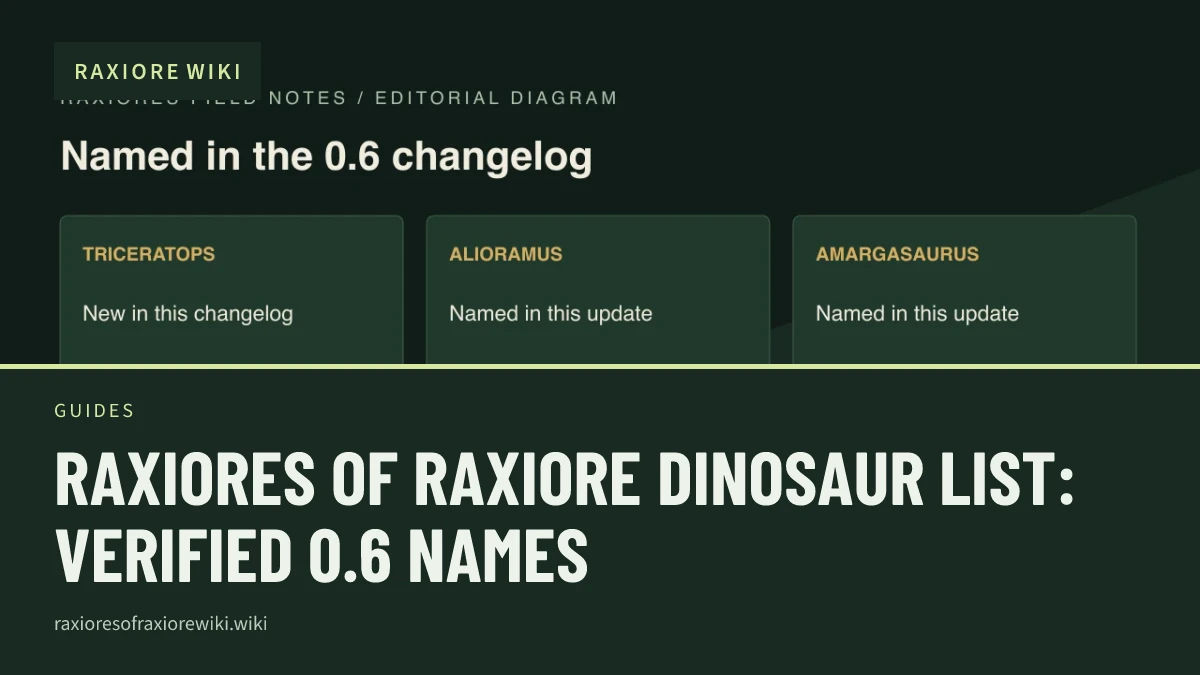
Guides
Raxiores of Raxiore Dinosaur List: Verified 0.6 Names
See the dinosaurs named in the current Java 0.6 changelog, including Triceratops, Alioramus, Amargasaurus, and Giganotosaurus, with source limits.
Guides
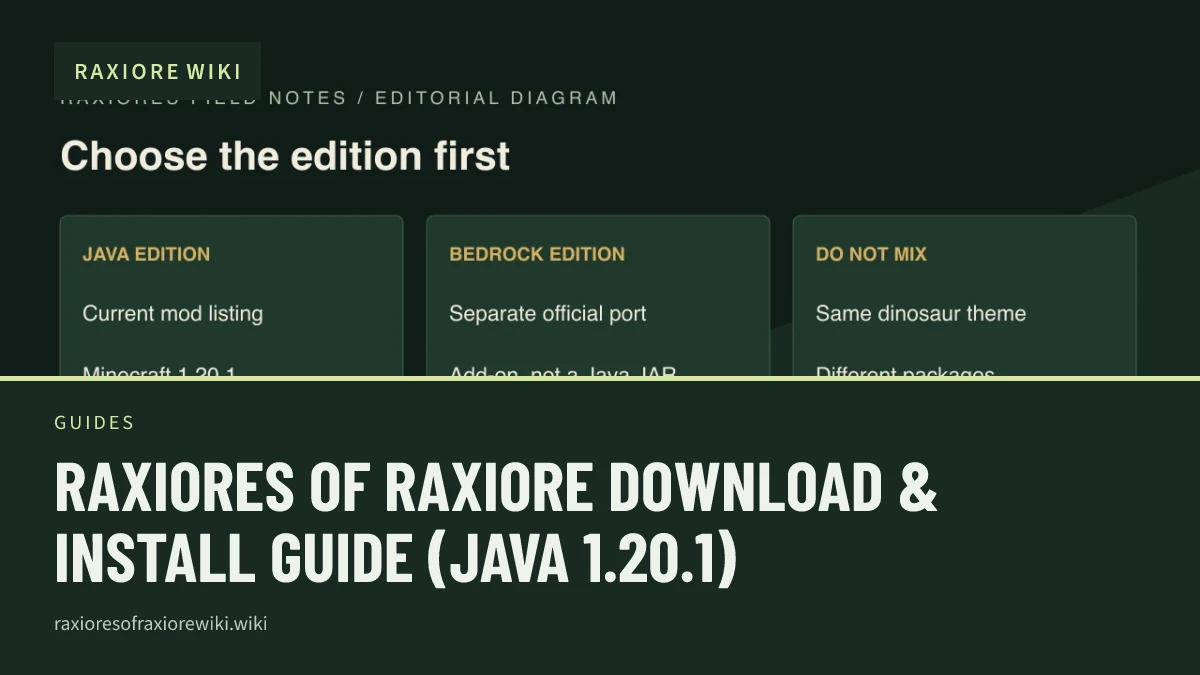
Raxiores of Raxiore Download & Install Guide (Java 1.20.1)
Find the official Raxiores of Raxiore download, match Minecraft 1.20.1 and Forge, and avoid confusing the Java mod with its Bedrock port.
Guides
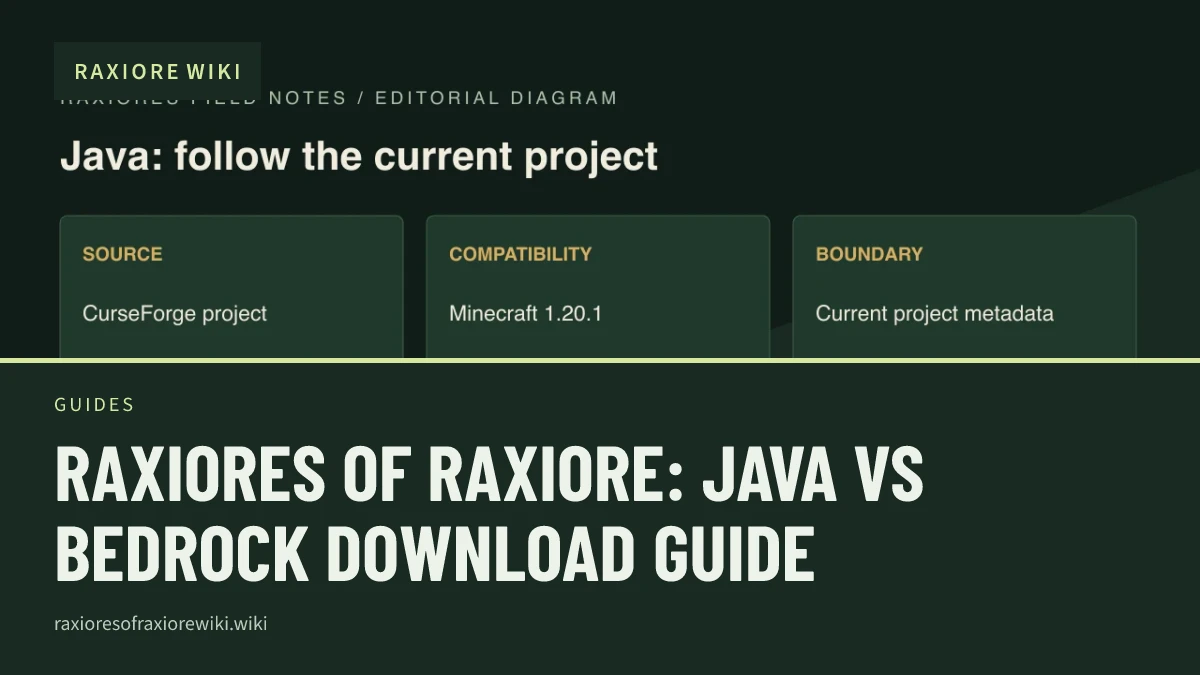
Raxiores of Raxiore: Java vs Bedrock Download Guide
Compare the current Raxiores Java Forge mod, its separate Bedrock port, and the older project so you choose the right download and instructions.
Guides
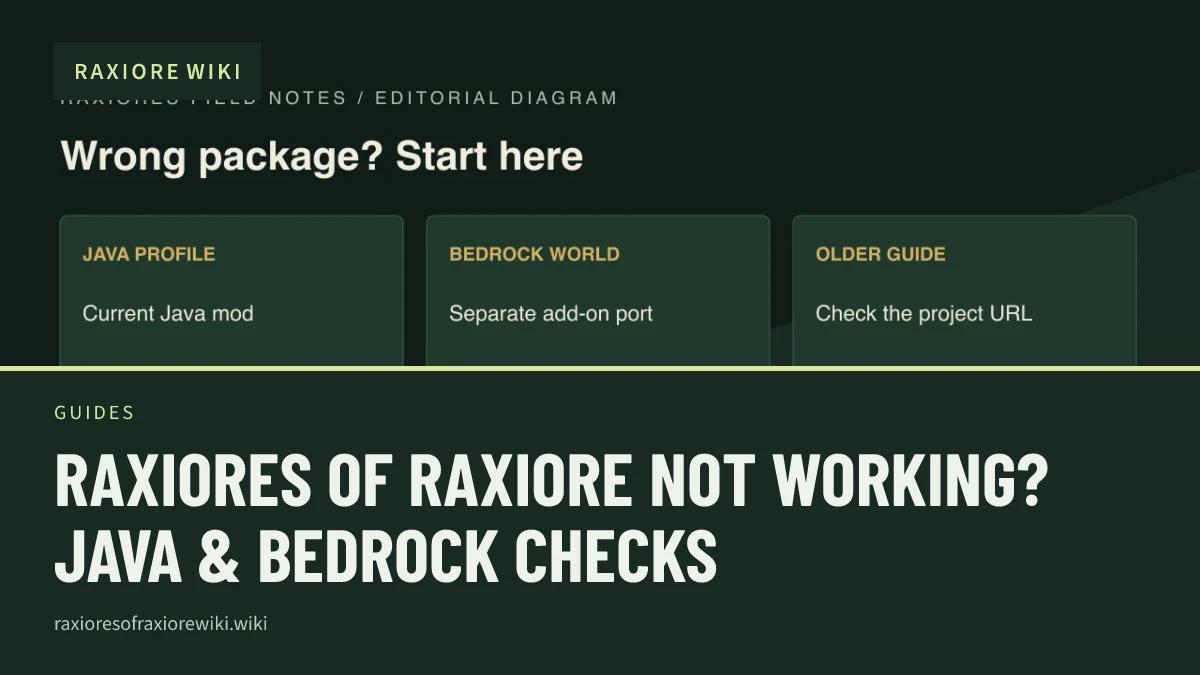
Raxiores of Raxiore Not Working? Java & Bedrock Checks
Check your Raxiores edition, Minecraft version, Forge profile, and exact file before troubleshooting crashes or reporting a reproducible problem.
Guides
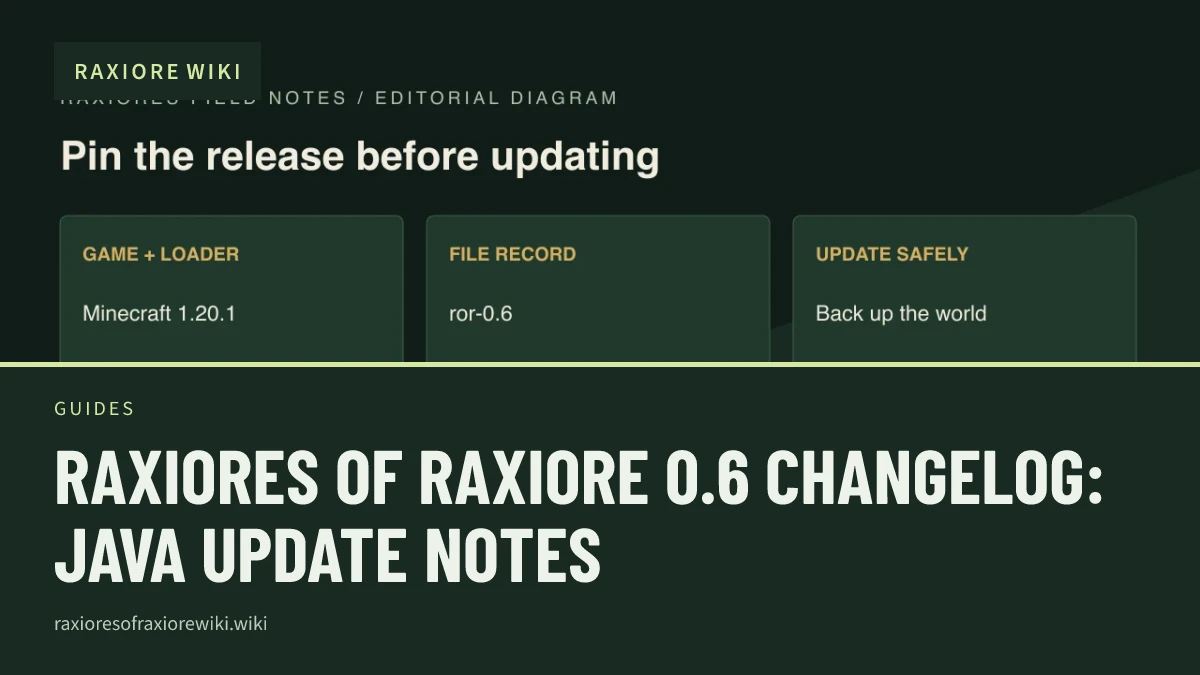
Raxiores of Raxiore 0.6 Changelog: Java Update Notes
Read the Java ror-0.6 changelog highlights: Triceratops WIP, Alioramus, Amargasaurus, Giganotosaurus, redwoods, controls, and health recovery.
Know what you are installing
The same name appears across different projects. These guides explain which details apply to which edition.
Edition & compatibility
Understand the current Java project and the separately maintained Bedrock port.
Java
Forge · Minecraft 1.20.1
Bedrock
Separate add-on · check the port author’s version list
View all
Source-checked field notes
Start from the published project information, not invented recipes or blanket claims.
- 1
Read the edition label
- 2
Check the official file
- 3
Back up your world
- 4
Keep version-specific notes
View all
Start with the right file.
Use the official project listing for the Java mod. Check the edition guide before choosing a Bedrock add-on.